A Speechify alternative for saved articles
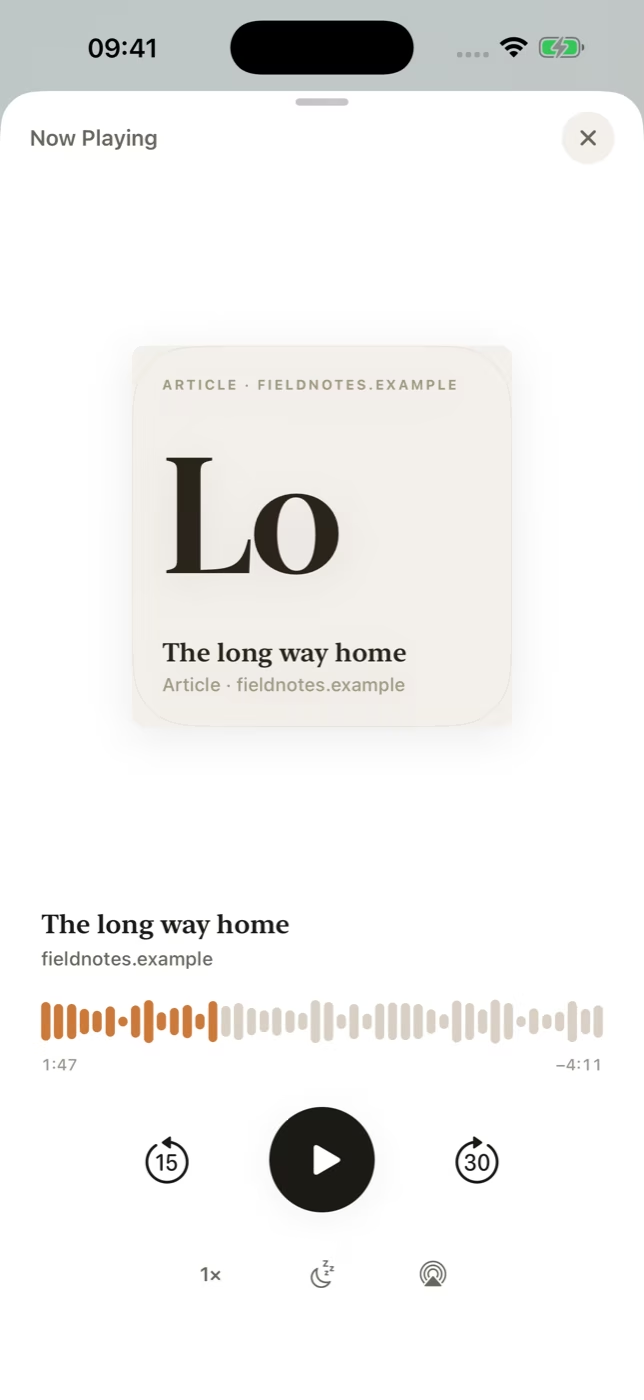
Someday creates narration on your iPhone and saves the audio for offline playback. The iPhone subscription costs US$1.99 a month.
Written by Someday, one of the apps in this comparison. Checked .
Which app should you choose?
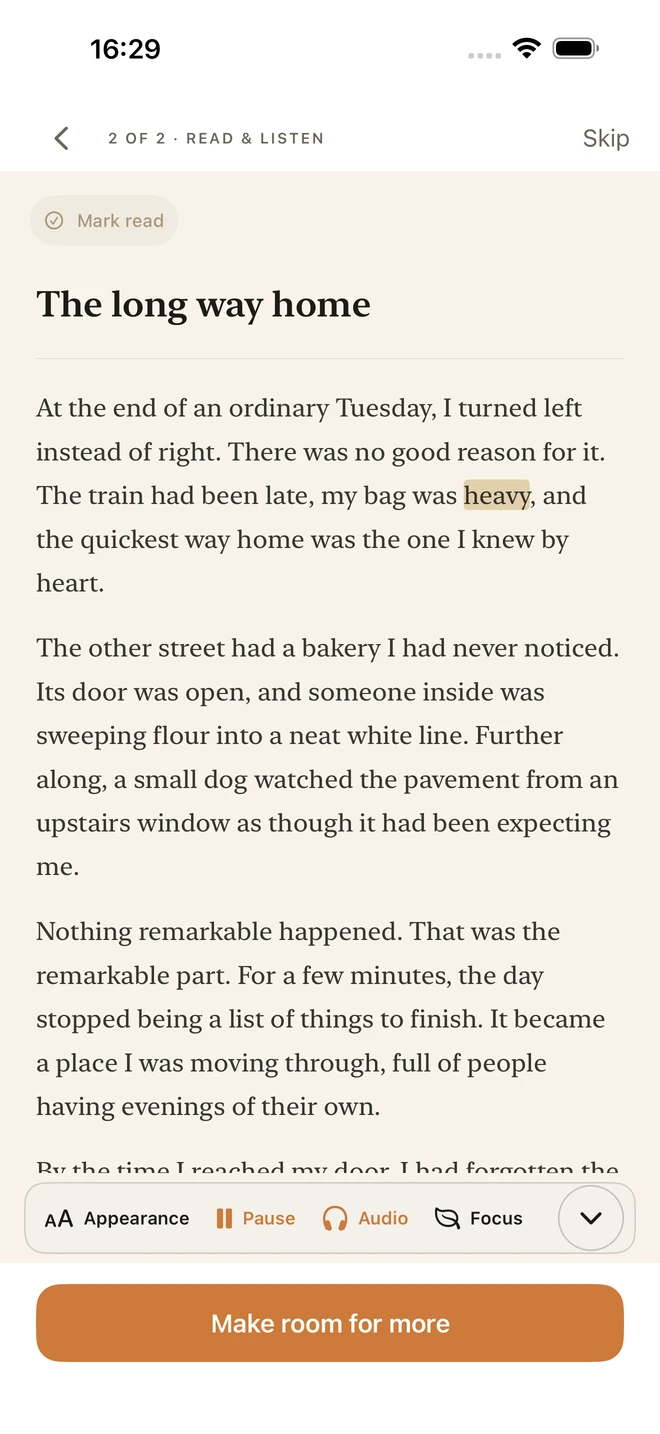
Choose Speechify if you want to listen in many languages, scan printed pages, use very fast playback or switch between iPhone, Android and desktop. Choose Someday if you mostly save articles on iPhone and want to read them or prepare audio for a commute or flight. Someday stores the finished narration on your phone, highlights each word in Read Along and works without a Someday account.
Compare Speechify and Someday
Both apps support offline listening to prepared audio on iPhone. Speechify Premium also covers more languages and devices. The prices below reflect different purchase channels.
| Feature | Speechify | Someday |
|---|---|---|
| US price | Premium is $29/month or $139/year on Speechify’s website | $1.99/month on the US App Store |
| Free option | Free text to speech with basic voices | Free Chrome bookmarking extension. iPhone subscription required. |
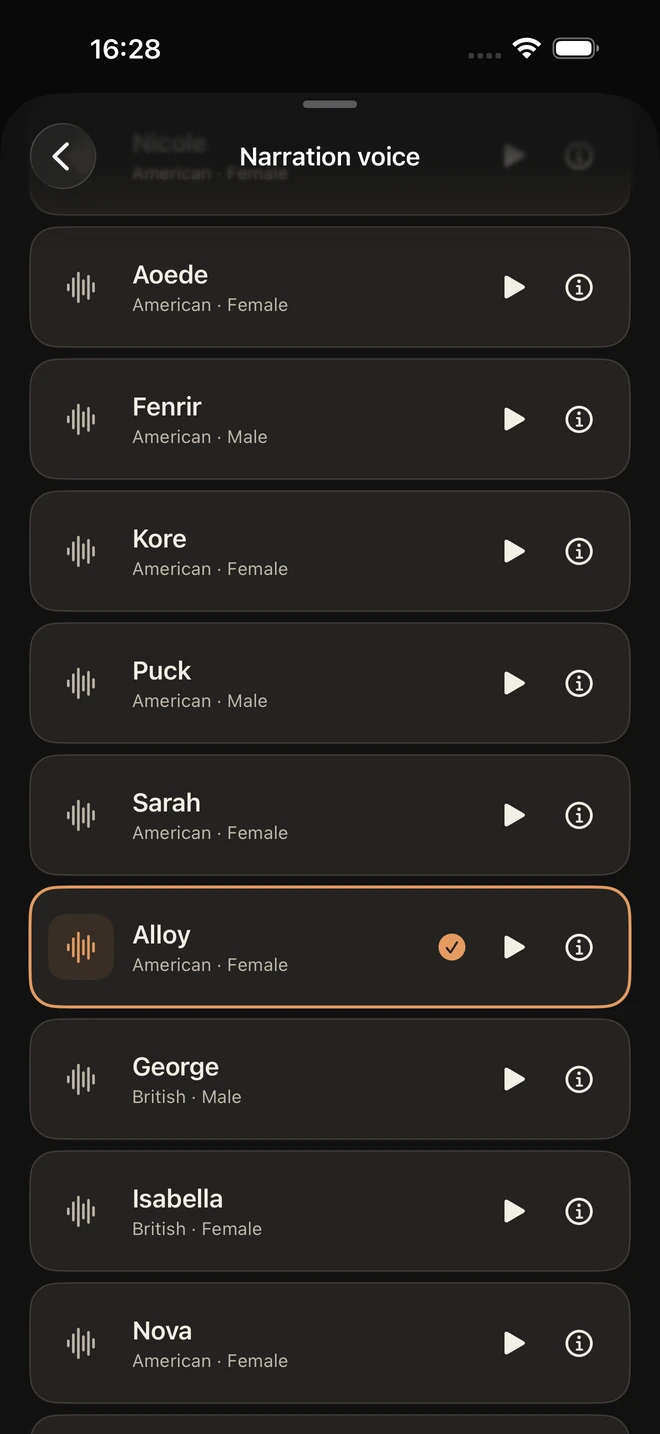
| Voices and languages | Premium advertises hundreds of voices across 60+ languages | 17 American and British English voices |
| Offline audio | Premium supports downloading converted audio on iPhone | Finished narration stays on your iPhone for offline playback |
| Audio preparation | Premium offers downloadable audio. Check Speechify’s iOS guide for current options. | Narration runs on your iPhone with the included voice model |
| Platforms | iPhone, iPad, Android, Mac, Windows, web and browser extensions | iPhone and a separate Chrome extension for saving links |
| Account | Speechify account for syncing across devices | No Someday account |
| Usage | Speechify publishes plan-specific voice and speed limits | No monthly audio-hour quota. Up to 150,000 characters per item. |
Where Speechify is stronger
Speechify Premium is a better fit if you need multilingual narration, scan printed material regularly or listen on several platforms. Its pricing page lists a much larger voice library and faster playback options.
How Someday handles saved articles
Someday puts saved articles, PDFs, EPUBs and Word documents in a local iPhone library. Prepare narration on your iPhone, then listen offline with adjustable speed and a sleep timer. Read Along follows each word, and the subscription has no monthly audio-hour quota.
Other apps to consider
ElevenReader is an option if you want a broader voice selection and an audiobook catalogue. NaturalReader offers a web reader. Instapaper combines read-later tools with mobile text to speech.
Frequently asked questions
Is there a free Speechify alternative?
Speechify itself offers free text to speech with basic voices. Instapaper has a free reading plan, and its Premium plan adds AI voices and listening playlists. Someday’s iPhone app requires a subscription. Its separate Chrome extension is free.
Does Speechify work offline?
Speechify says Premium users can download converted audio in its iPhone and iPad app to listen offline.
What costs less than Speechify Premium?
Someday costs US$1.99 a month on the US App Store. Speechify lists Premium at US$29 a month or US$139 a year on its website. Speechify also has a free tier with basic voices.
Can I listen to saved articles offline on iPhone?
Yes. In Someday, save the article and let the iPhone finish preparing narration. You can play the stored audio later without a connection.
Does Someday need an account?
Someday requires an iPhone subscription through Apple and no separate Someday account.
Sources
Product details and US prices checked 19 November 2026. Prices can vary by store and region.
- Speechify plans and US web prices
- Speechify iPhone and iPad features, including offline listening
- Speechify free plan and supported platforms
- Speechify App Store listing
- NaturalReader web reader
- Someday’s ElevenReader comparison
- Instapaper plans and listening features
- Instapaper App Store listing
- Someday App Store listing
Your reading list, ready offline
Someday saves articles and documents, creates narration on your iPhone and plays the audio offline. It costs US$1.99 a month and needs no Someday account. The Save to Someday Chrome extension is free.