01
Pull it in
Add links, Gmail newsletters, PDFs, screenshots or Dewey bookmarks.
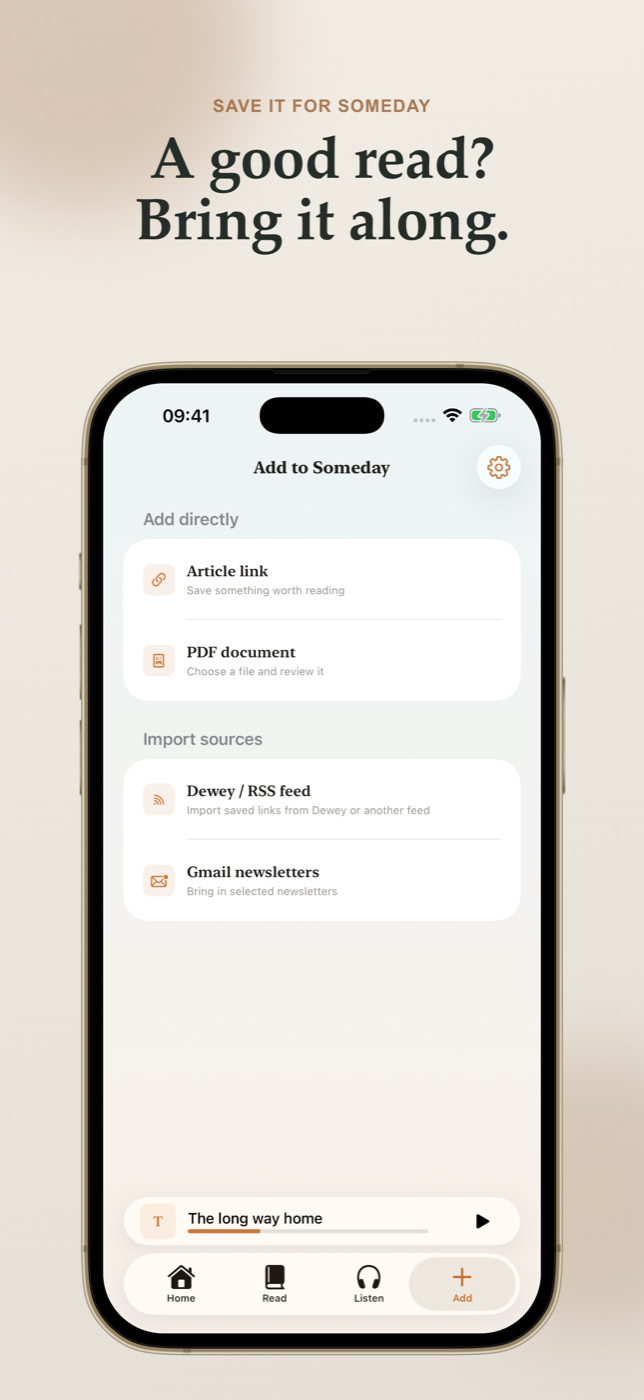
Your reading, in another form
Save the articles, newsletters and documents you keep postponing. Return to them in one calm library—read when you can, or listen when reading doesn’t fit, with a beautiful reading experience and natural voice AI running locally on your iPhone.
App Store release pending approval · iPhone
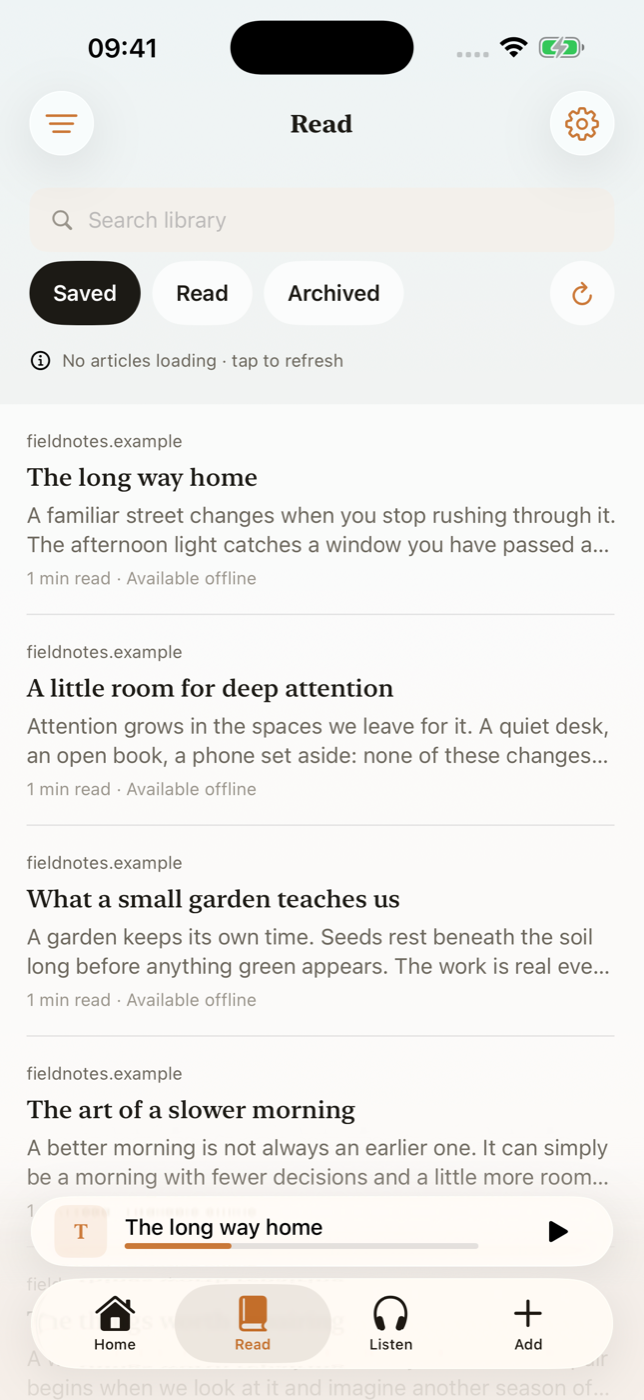
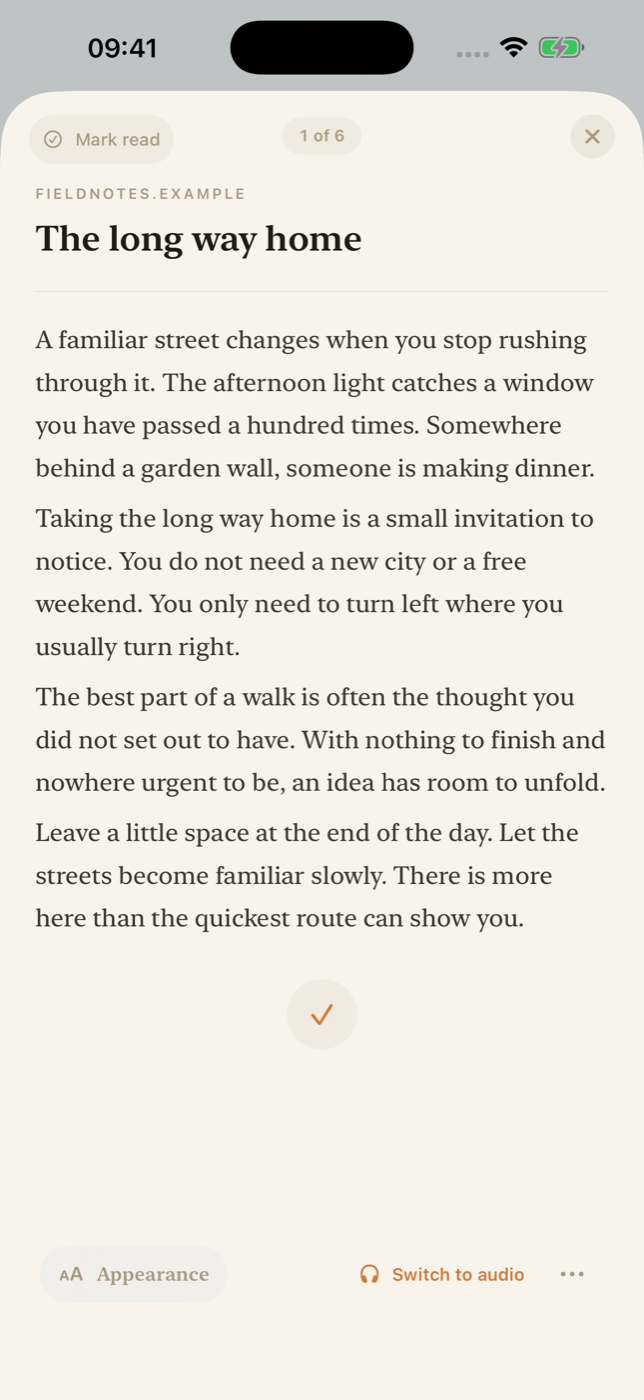
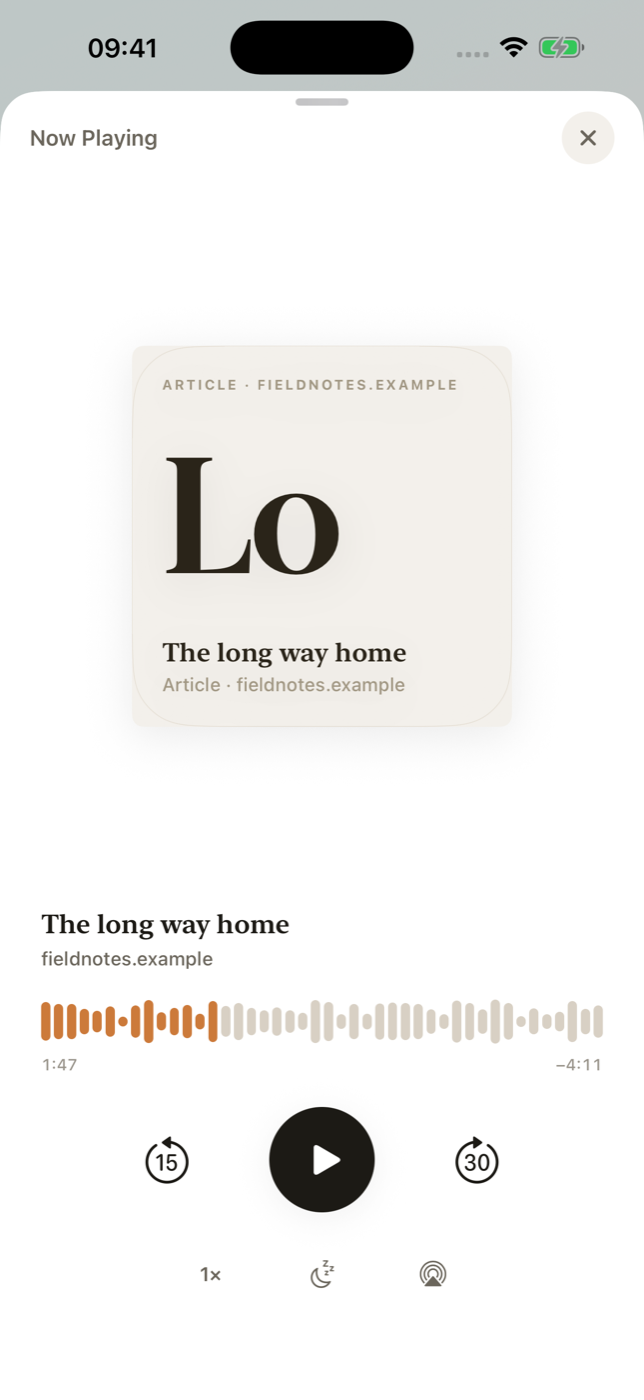
Swipe through the app →
How it works
Pull together the reading scattered across your browser, inbox, files and photos. Then return to it by reading or listening.
Add links, Gmail newsletters, PDFs, screenshots or Dewey bookmarks.
Everything you meant to read lands in the same calm, local library.
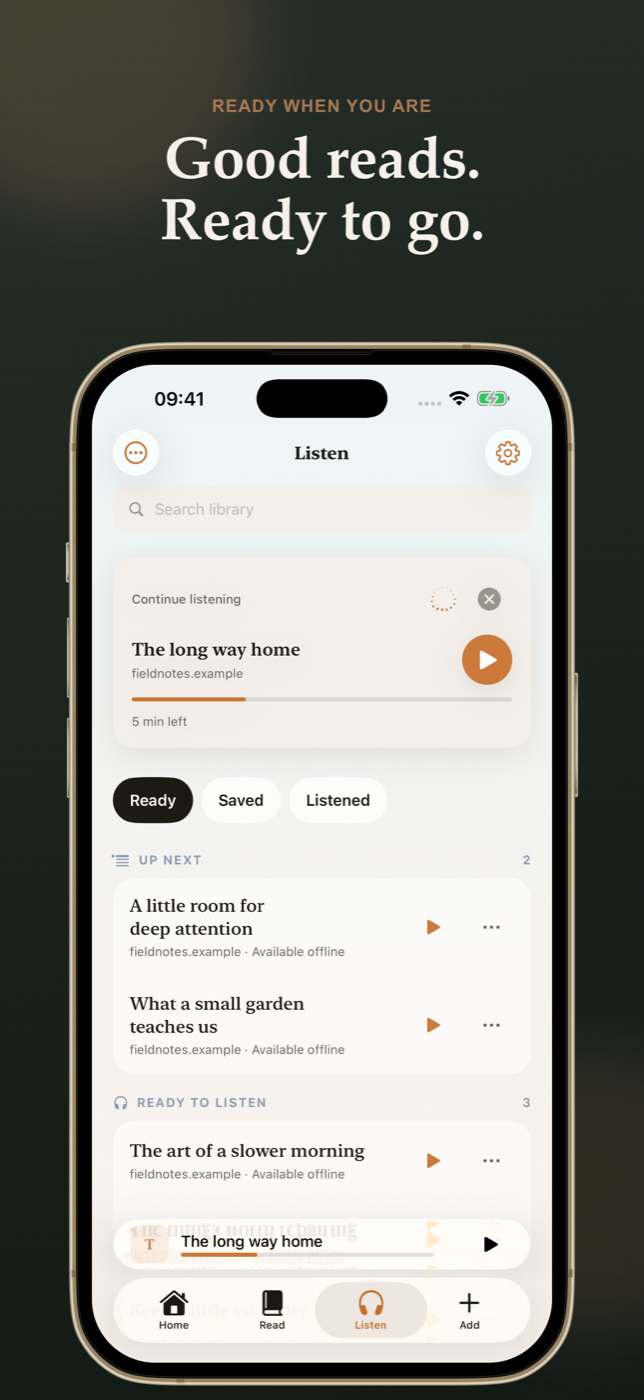
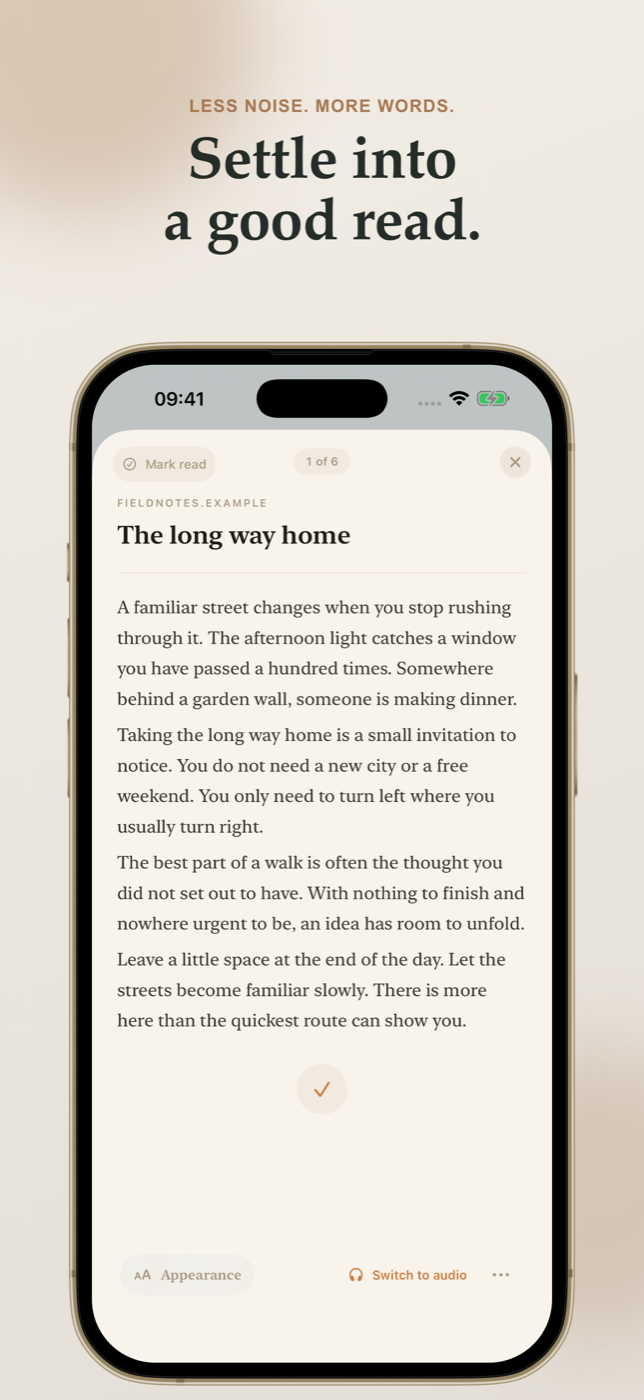
Open a focused, beautifully typeset reader and continue where you left off.
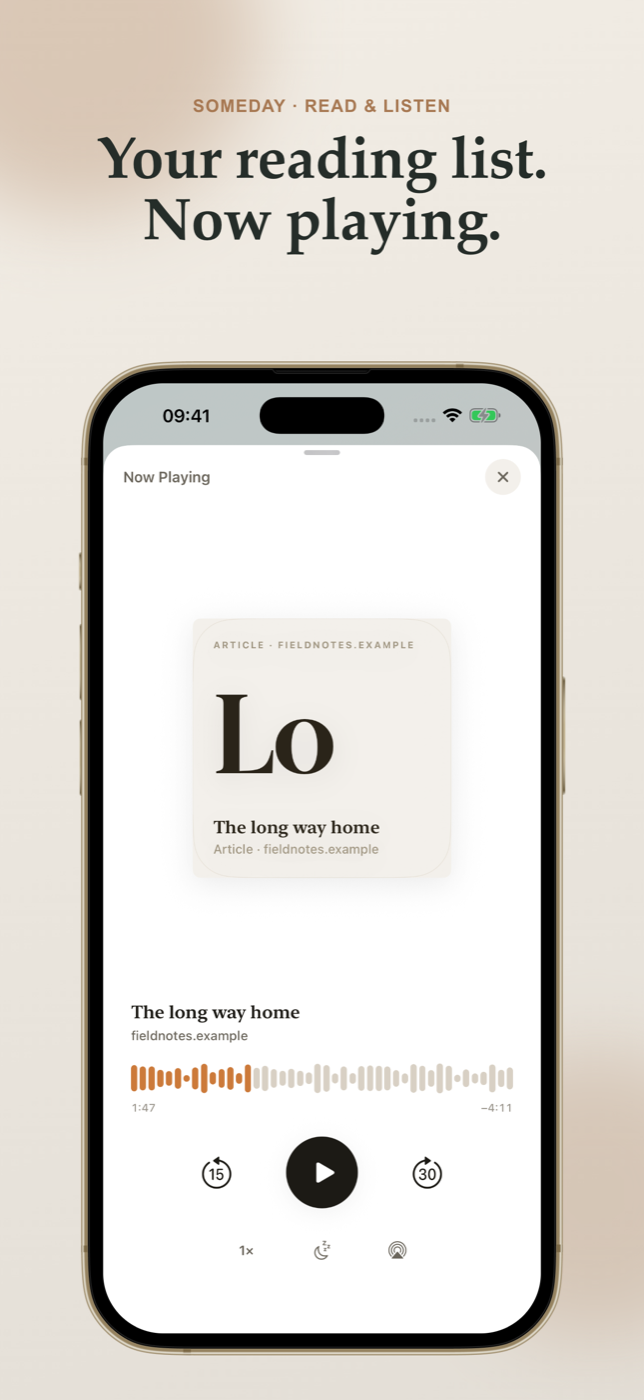
Prepare private narration on your iPhone and keep it available offline.
Build a reading habit
Save a few things you actually want to read. Put them in one place. Come back to them when you have a quiet moment.
Found something worth your time? Save it in Dewey or Raindrop on desktop. On iPhone, share it to Someday or paste the link.
Pick two or three newsletters you look forward to. Save an article from your inbox, or add the writer’s RSS feed to Someday.
Import selected links from a Dewey folder’s RSS feed. For Raindrop, share or paste individual links into Someday—direct sync isn’t available.
Dewey shared folders are visible to anyone with the link. Check sharing settings first.
Next time you reach for reels, open your reading queue. Choose one article. Read for five minutes, or prepare audio and take it on a walk.
Private by default
Someday uses Kokoro-82M, an open voice model adapted for iPhone hardware and Core ML. It runs locally on your device, with 14 included voices to choose from, so your saved reading can become natural narration without sending every article to a cloud voice service. The voice model is included with the app; finished audio stays available offline.
Your library stays on your iPhone. Someday works without an account, advertising, or cross-app tracking. Optional usage measurement is off by default.
Included with the app
Kokoro-82M, adapted for iPhone hardware. Prepare narration privately, then keep listening offline.
14 voices · On device
Straight answers
No. Standard importing, focused reading and on-device narration work without one. AI enhancement is optional and uses a provider key you configure.
If you opt in, Someday uses read-only access to identify likely newsletters and reads full content only from senders you select. Processing and storage happen locally on your iPhone. Google verification is pending, so Gmail access may be restricted; it is optional.
Yes. Once narration is created, the audio is stored on your iPhone for offline playback.
Someday for iPhone
The App Store release is awaiting Apple’s review. Get a launch update, or ask to try the beta.
Public TestFlight access is being prepared and requires Apple’s beta approval. These buttons open your email app; your request is sent only when you send the message.
We use your email to reply about your chosen request. Ask us to remove it at any time. Privacy details