01
Bring it in
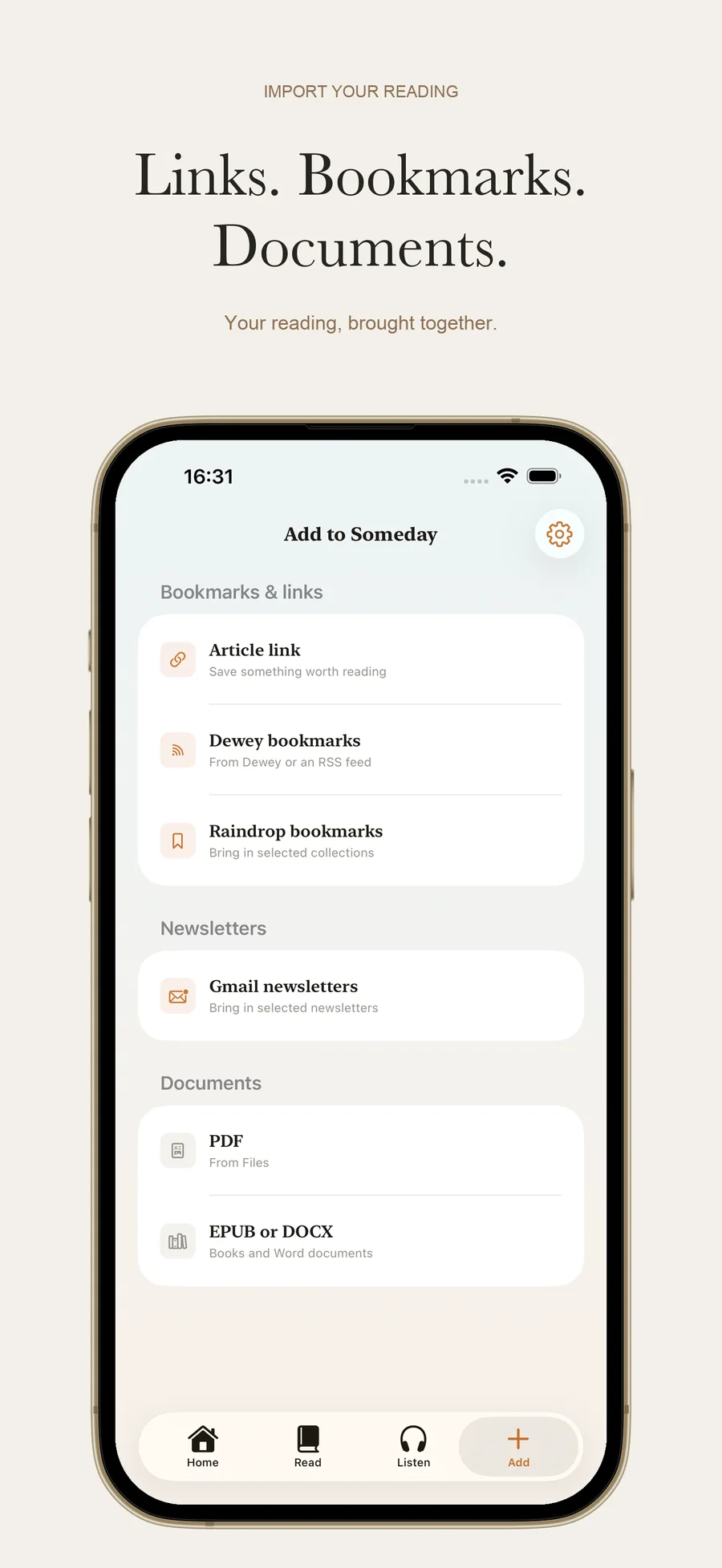
Save article links, bring in bookmarks from Someday, Raindrop or Dewey/RSS, or open a local PDF, EPUB or Word document.
READ & LISTEN ON IPHONE
A read aloud app for iPhone with on-device text to speech. Save a good read and listen when you’re ready.
US$1.99/month
Swipe through the app →
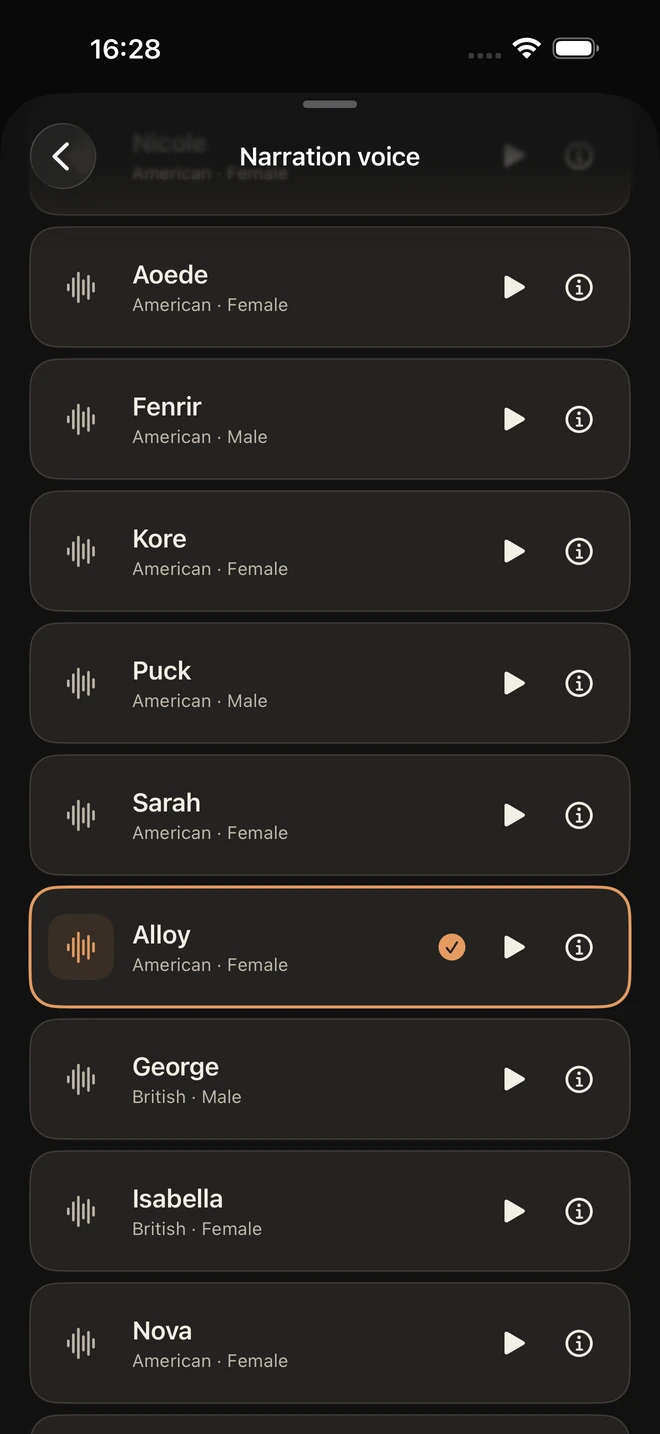
Someday saves articles and documents, creates narration on your iPhone and plays the audio offline. It costs US$1.99 a month and needs no Someday account. The Save to Someday Chrome extension is free. Choose from 17 American and British English voices and follow the words with Read Along.
How it works
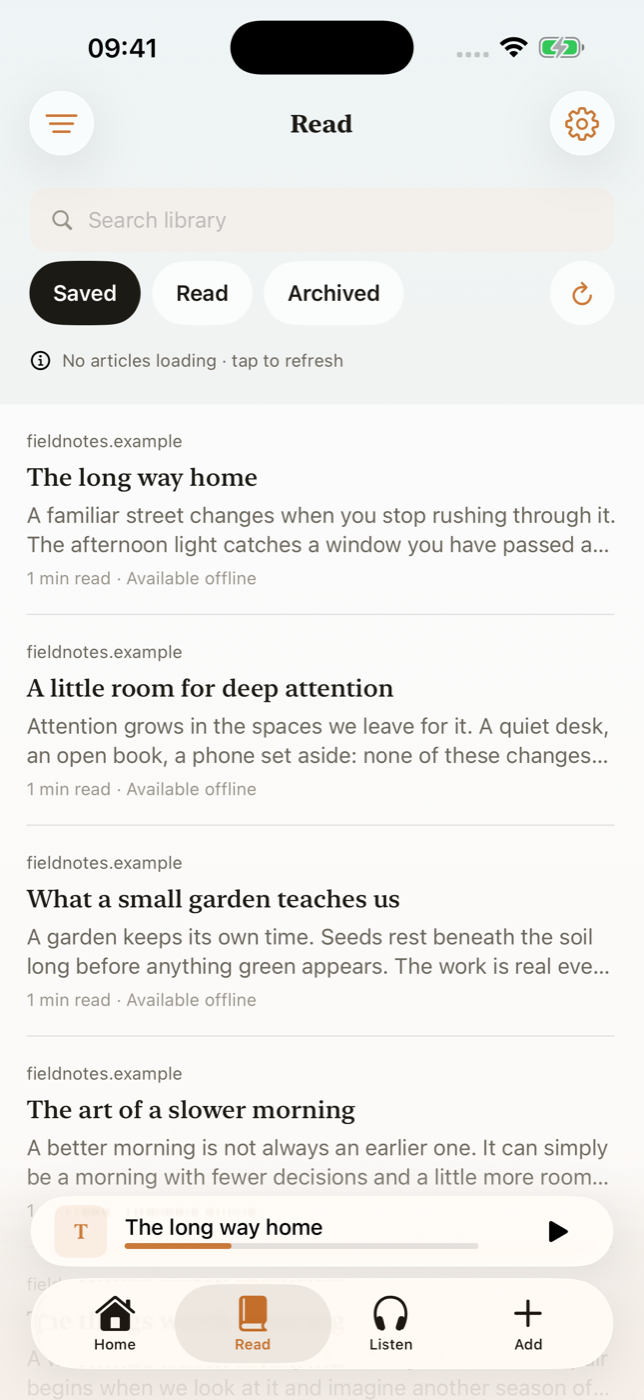
An article in your bookmarks. A newsletter in your inbox. A PDF in Files. Keep the reading you want to return to in one place.
Save article links, bring in bookmarks from Someday, Raindrop or Dewey/RSS, or open a local PDF, EPUB or Word document.
Search your Library, sort by date and keep track of what you have read or archived.
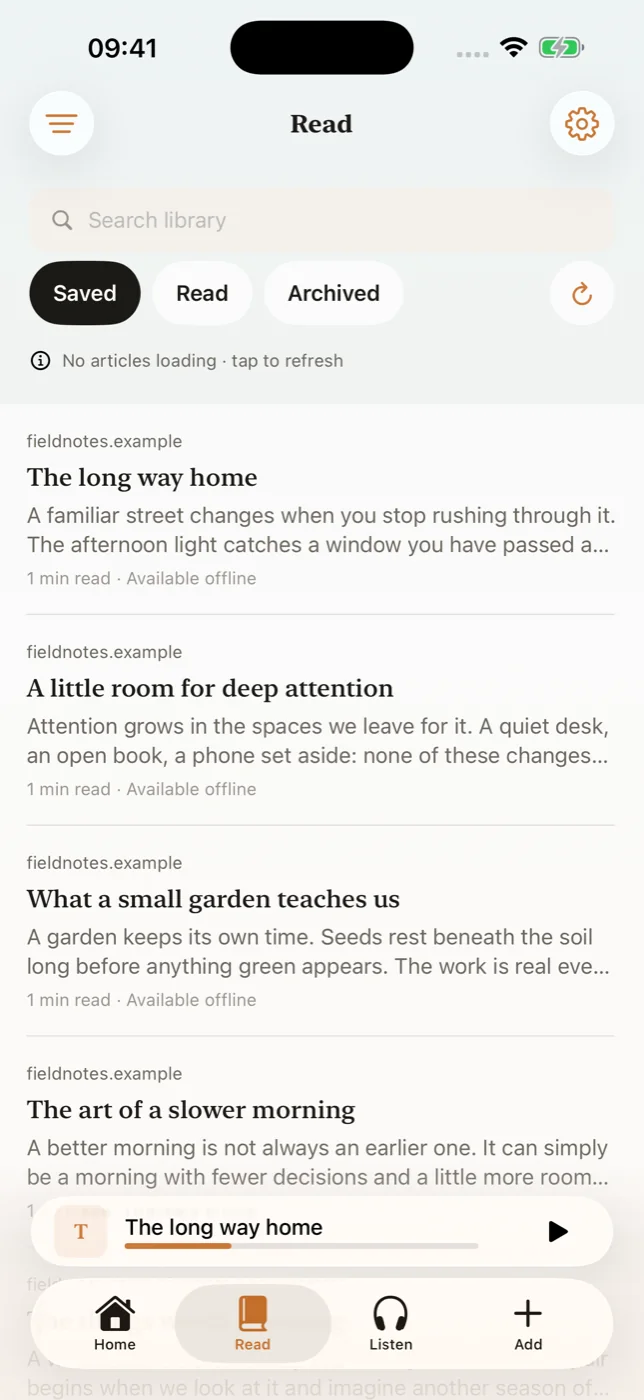
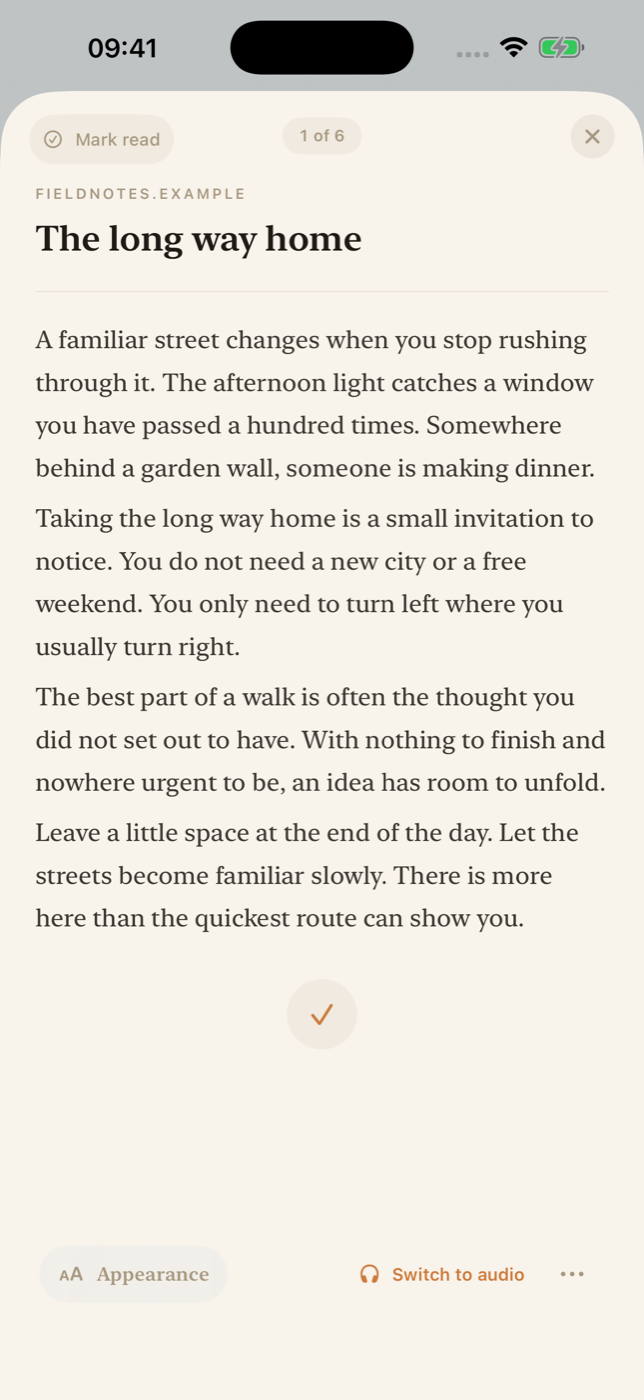
Adjust the text size and appearance. Pick up at your saved reading position.
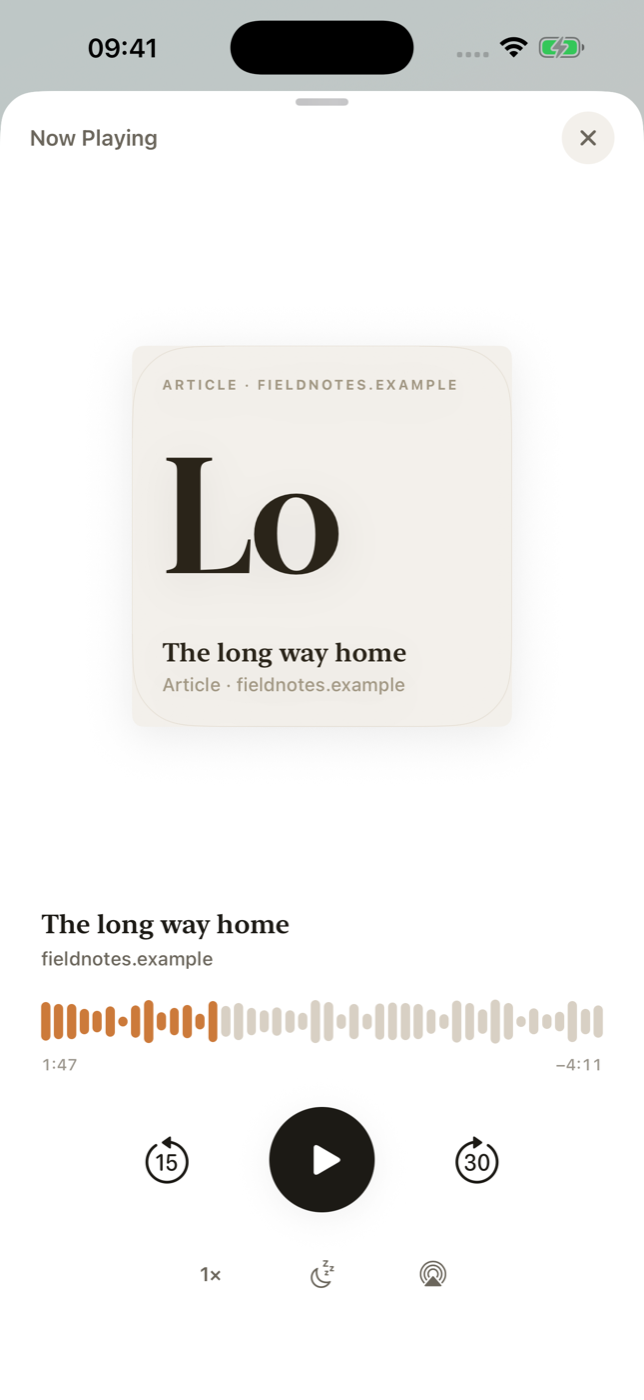
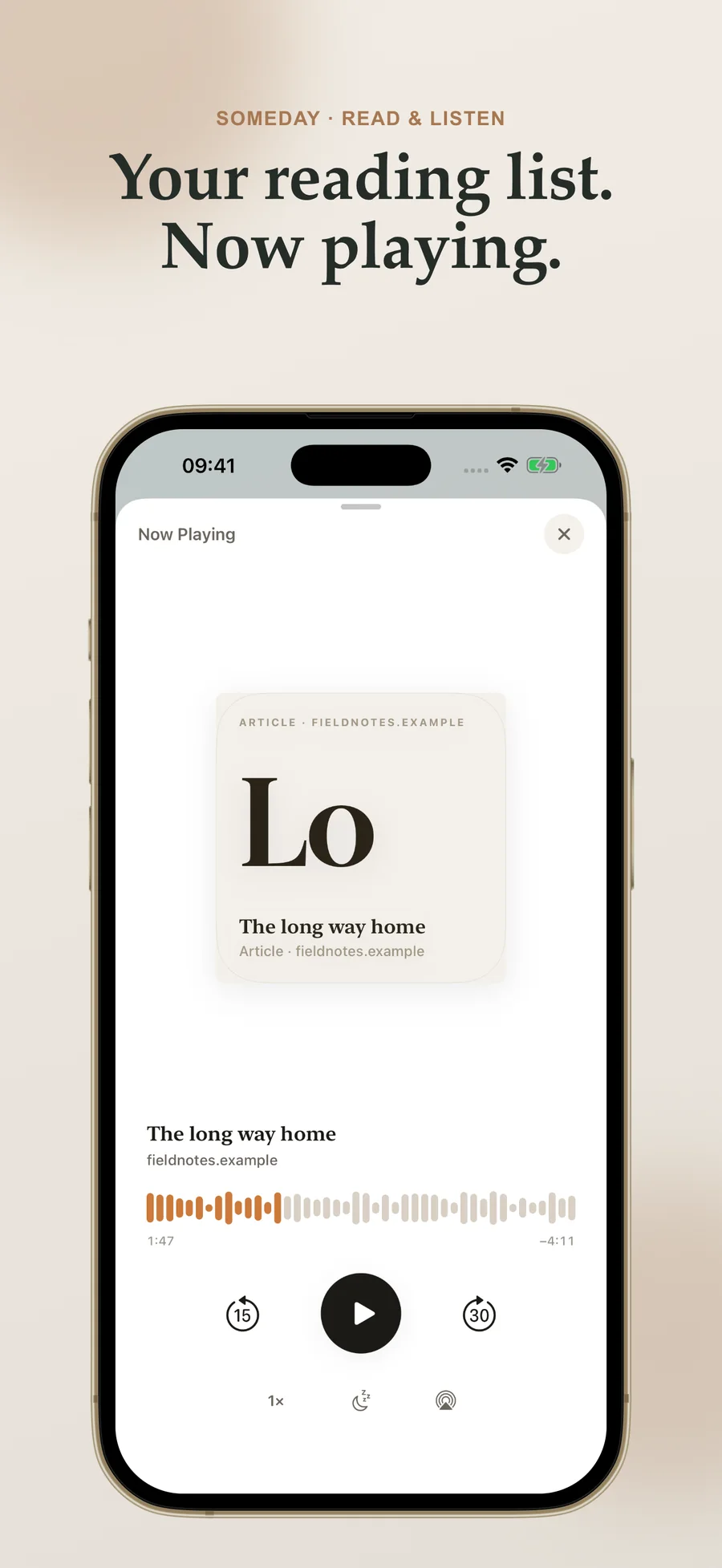
Prepare narration on your iPhone. Change the speed, set a sleep timer and play completed audio offline.
Read or listen
Keep what interests you close, without having to make a whole evening of it.
Open something you saved, make the text comfortable and read a few paragraphs.
Prepare the audio before you leave. Your headphones can take it from there, without a connection.
Keep a PDF with the rest of your reading and return to your saved position when you have time.
Private by default
Your saved reading and generated audio are stored on your iPhone. The included voice model creates narration on your device, with no monthly audio-hour quota. Prepare it once, then listen offline. Individual items have size limits; preparation time and available storage depend on your iPhone.
Your library is stored on your iPhone. No Someday account, advertising or cross-app tracking. Optional usage counts stay on your device and are off by default. Connected sources and optional AI processing follow your settings.
FREE CHROME EXTENSION · AVAILABLE NOW
Save an article in a click, choose a collection and return to it in your browser reading list. When article extraction isn’t available, Someday saves the link.
Your saves live in your own iCloud or Google Drive account. Someday does not run a server that stores your reading list.
The extension is free. The iPhone app has a separate subscription and imports saves from your iCloud or Google Drive account.
Explore the free extension →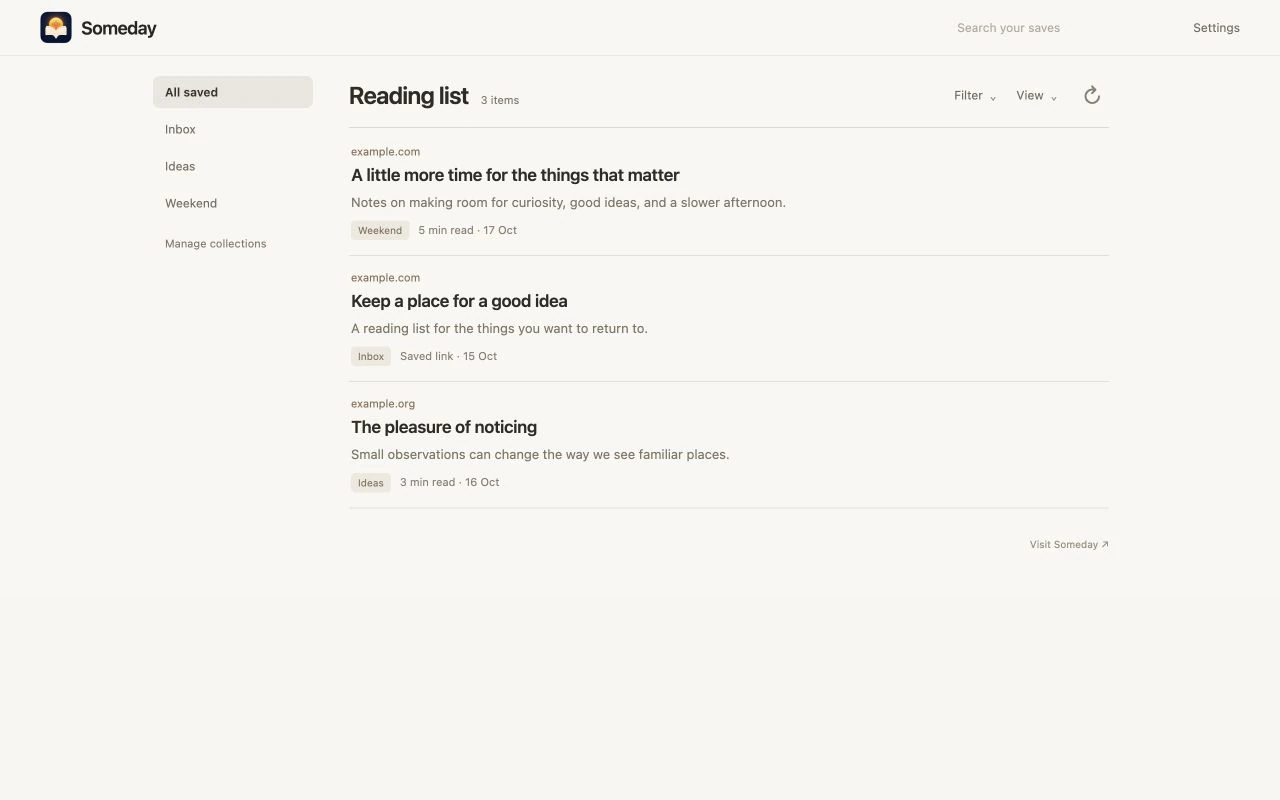
SOMEDAY 1.1.3 · AVAILABLE NOW
Start with two short reads, preview a narrator and try Read Along in the new introduction. The latest update also makes it easier to see when your audio is ready.
See what’s new in Someday 1.1.3 →
See each word highlighted as the narration plays.
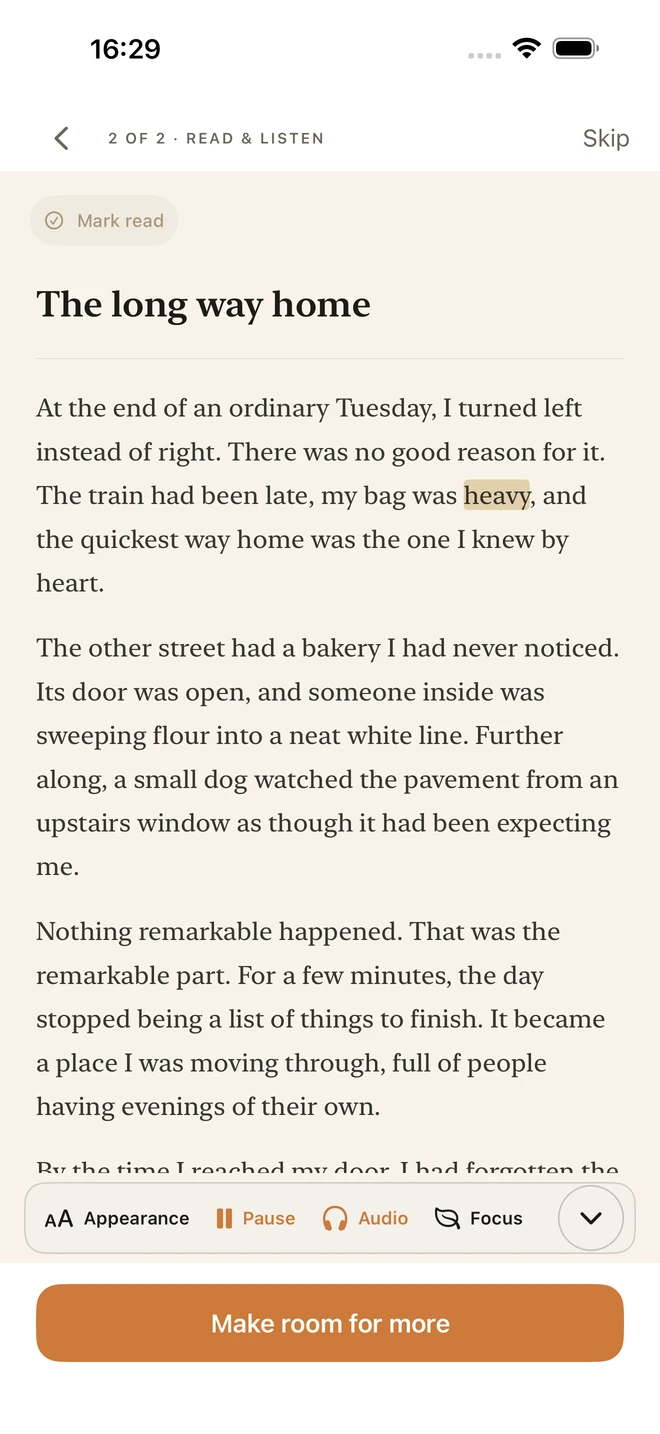
Preview 17 American and British voices, then choose your narrator.
New Gmail connections and syncing are currently paused while Google reviews access. Previously imported newsletters remain in your library.
Straight answers
No. Standard importing, focused reading and on-device narration work without one. AI enhancement is optional and uses a provider key you configure.
New Gmail connections and syncing are paused while Google reviews access. Previously imported newsletters remain readable in your library. You can still save article links, import bookmarks and open local documents.
Yes. Once narration is created, the audio is stored on your iPhone for offline playback.
No. Your subscription includes on-device narration with no monthly audio-hour quota. Individual items are limited to 150,000 characters; available storage and preparation time depend on your iPhone.
Choosing a reading app? Compare Someday and ElevenReader.
Someday for iPhone
Bring articles, bookmarks, newsletters and documents together. Read at your own pace, or prepare audio to listen offline.